How to Freeze Last Seen in GB WhatsApp
Freezing your last seen status in GB WhatsApp is a privacy option designed to keep your displayed last active time from updating. If your version supports this feature, you may be able to keep a previous timestamp visible while continuing to use the app.
The setting is different from hiding your last seen completely. Instead of removing the timestamp from view, a freeze option is intended to keep it from changing. Its availability and behavior depend on the GB WhatsApp version you have installed.
What Does Freeze Last Seen Mean?
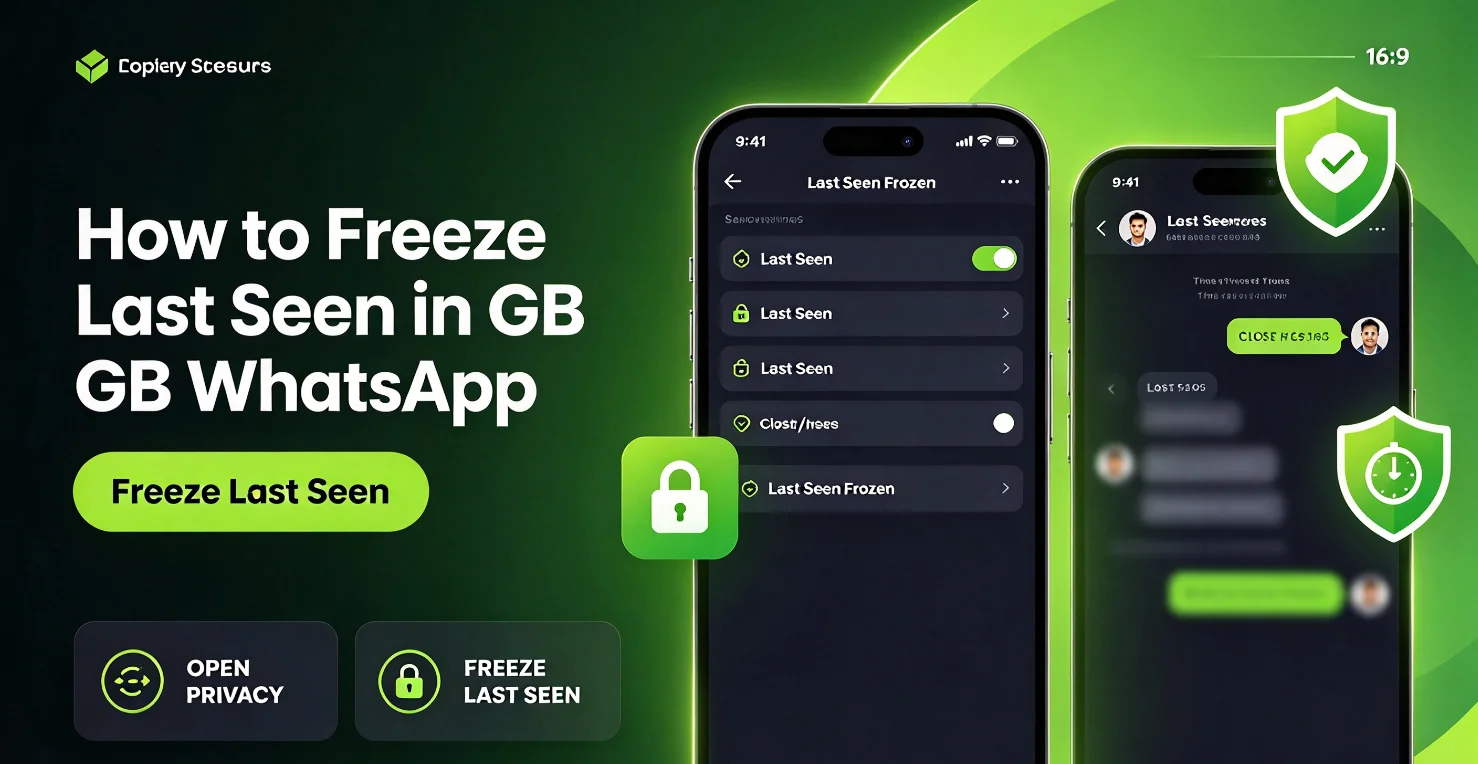
The Freeze Last Seen feature is designed to prevent your displayed last active time from updating whenever you open or use GB WhatsApp.
For example, if your displayed last seen time is 9:00 AM, a supported freeze setting may keep that timestamp visible even when you use the app later in the day.
This differs from the standard last seen privacy setting, which lets you control who can see your activity timestamp. Freezing a timestamp does not necessarily hide your online status or other activity indicators.
How to Enable Freeze Last Seen in GB WhatsApp
The menu layout may vary between GB WhatsApp releases, but you can check for the option by following these steps:
- Open GB WhatsApp on your Android phone.
- Tap the three-dot menu in the upper-right corner.
- Select GB Settings or the additional features menu.
- Open Privacy and Security, if available.
- Look for Freeze Last Seen or a similarly named privacy option.
- Enable the setting if it is available, then return to your chats.
Some versions may place the feature in a different submenu. If you cannot find it, your installed build may not support it.
Before changing the setting, check the available last seen and online visibility controls. Avoid assuming that every version uses the same menu names or behaves identically.
How to Check Whether Last Seen Is Frozen
After enabling the feature, check whether the displayed timestamp behaves as expected.
- Note the last seen time currently displayed in your privacy interface or by a contact who can normally see it.
- Continue using GB WhatsApp for a while.
- Check the displayed timestamp again, where possible, to see whether it has changed.
Results may vary by version, privacy configuration, and how the app implements the feature. A timestamp that appears unchanged does not guarantee that every activity indicator is hidden.
You can also review your privacy settings to confirm that the freeze option remains enabled.
Why Is Freeze Last Seen Not Working?
If your last seen timestamp continues to change, several issues may explain the behavior.
The Feature Is Not Available in Your Version
Not every GB WhatsApp build includes the same extra features. Check the privacy menu in your installed version to confirm that the option exists.
The Setting Was Not Applied
Return to the relevant privacy menu and check whether the option is still enabled. If it has switched off, follow the available instructions to apply it again.
You Changed the Wrong Privacy Setting
Hiding last seen and freezing last seen are different functions. The standard privacy option may hide your timestamp from selected people without keeping a previous timestamp visible.
The Feature Behaves Differently in Your Build
Unofficial modifications may implement privacy controls differently across releases. If the option is present but does not work as expected, avoid repeatedly changing unrelated settings or installing unknown APK files to force the feature to work.
Does Freezing Last Seen Hide Online Status?
Not necessarily. Last seen and online status are separate indicators in many WhatsApp versions.
Freezing your last seen timestamp is intended to keep the displayed time unchanged, while hiding online status controls whether other people can see that you are currently using the app.
If your GB WhatsApp version offers separate controls for these indicators, review each setting individually. Do not assume that enabling one automatically hides the other.
Can You Freeze Last Seen for Specific Contacts?
This depends on the privacy controls provided by your installed version. Some builds may offer additional contact-specific options, while others may apply a setting more broadly.
Check whether your privacy menu provides a contact selection or exception list. If it does not, the feature may not support freezing last seen for individual contacts only.
Frequently Asked Questions
Does Freeze Last Seen show an old timestamp?
That is the intended behavior of the feature in versions that support it. However, the exact result depends on the implementation, and the displayed timestamp may not behave identically across all builds.
Can people still send me messages when my last seen is frozen?
Freezing last seen is a privacy setting, not a messaging block. It is not intended to prevent other people from sending you messages.
Will freezing last seen affect message delivery?
It should not be treated as a message-delivery control. Message delivery depends on connectivity, account status, and other factors rather than the displayed last seen timestamp alone.
Is Freeze Last Seen available in every GB WhatsApp release?
No. GB WhatsApp is an unofficial modification, and additional features can vary by developer and version. Check the actual options available in your installed build.
Final Note
Freeze Last Seen may help you manage how your activity timestamp appears, provided your version supports the feature. Keep in mind that GB WhatsApp is not an official WhatsApp application and is not endorsed by WhatsApp or Meta. Unofficial versions can carry privacy, security, and account-restriction risks.